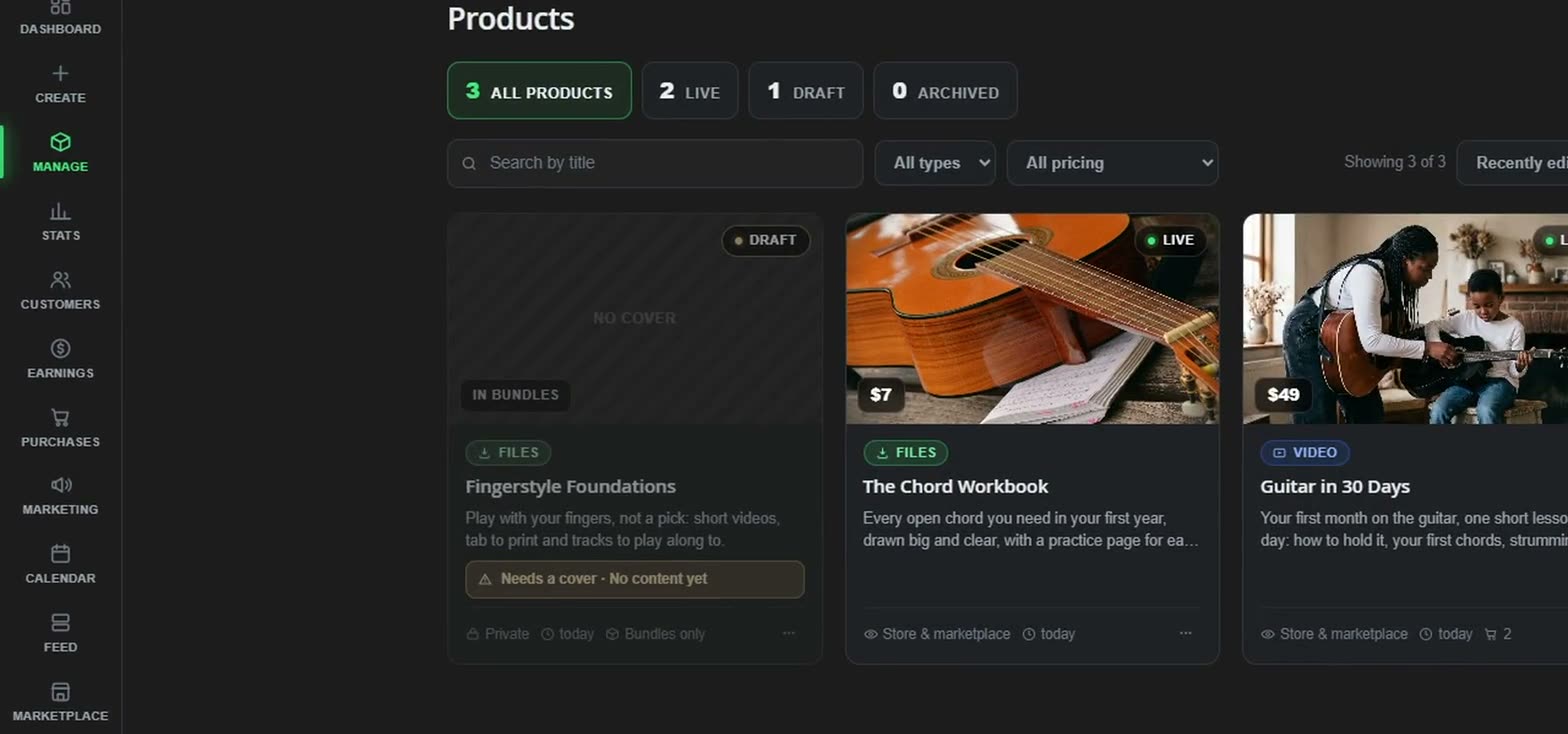
All products
3 across
Create it. Launch it. Sell it. Your way.
Sell your video, audio and files as one-offs, subscriptions or bundles. Make your store, pages and posts look exactly how you want. All in one place.
We take 8% when you sell, plus card fees. No monthly fee. Every feature from day one.
It all connects: your product fills your store, your posts bring people to it, and every sale comes back to your stats.
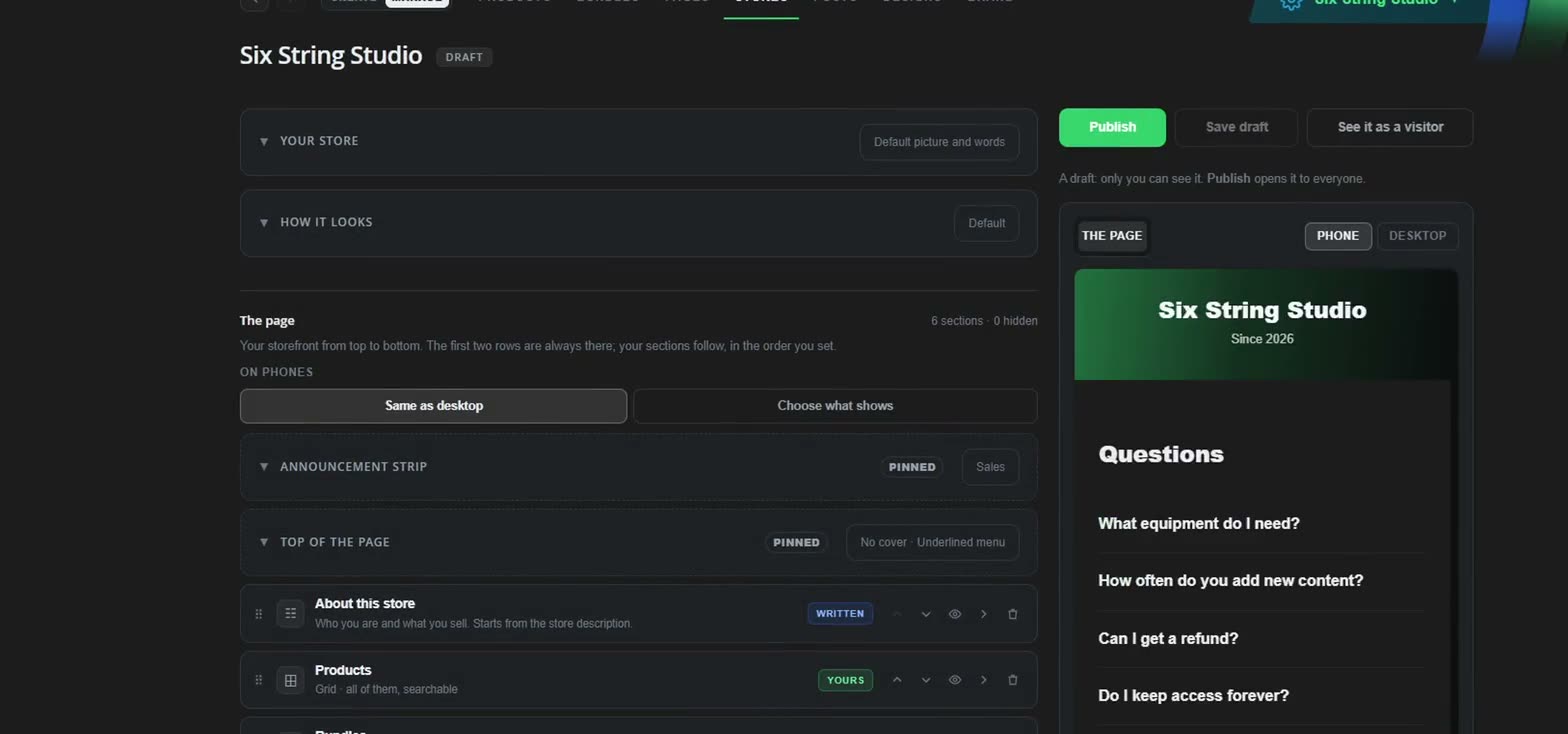
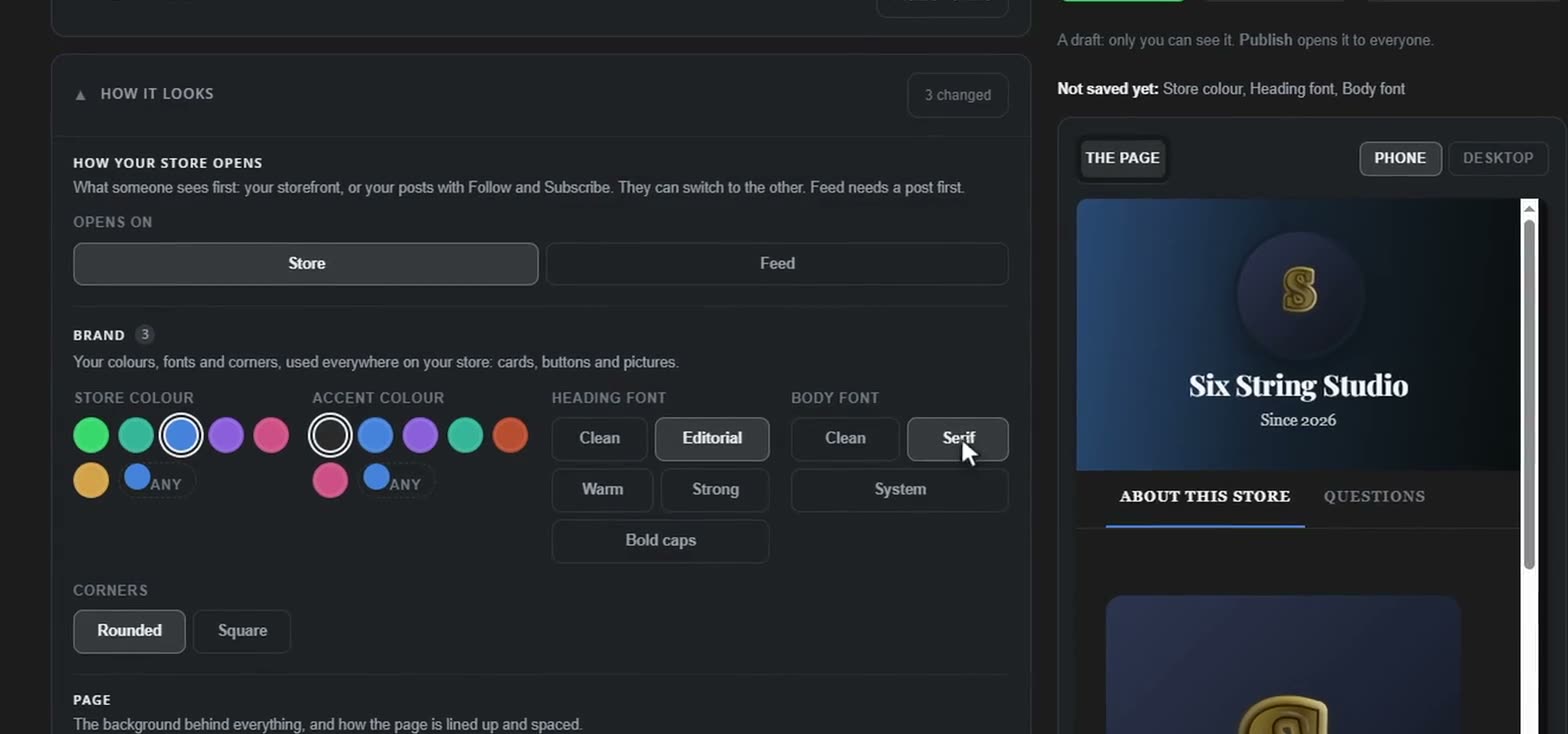
Why one place
Selling something you made usually means a design app for the pictures, a page builder for the sales page, a shop for the checkout, a form for the waiting list and something else to test what works. Then exporting, uploading and copying between them.
Create it
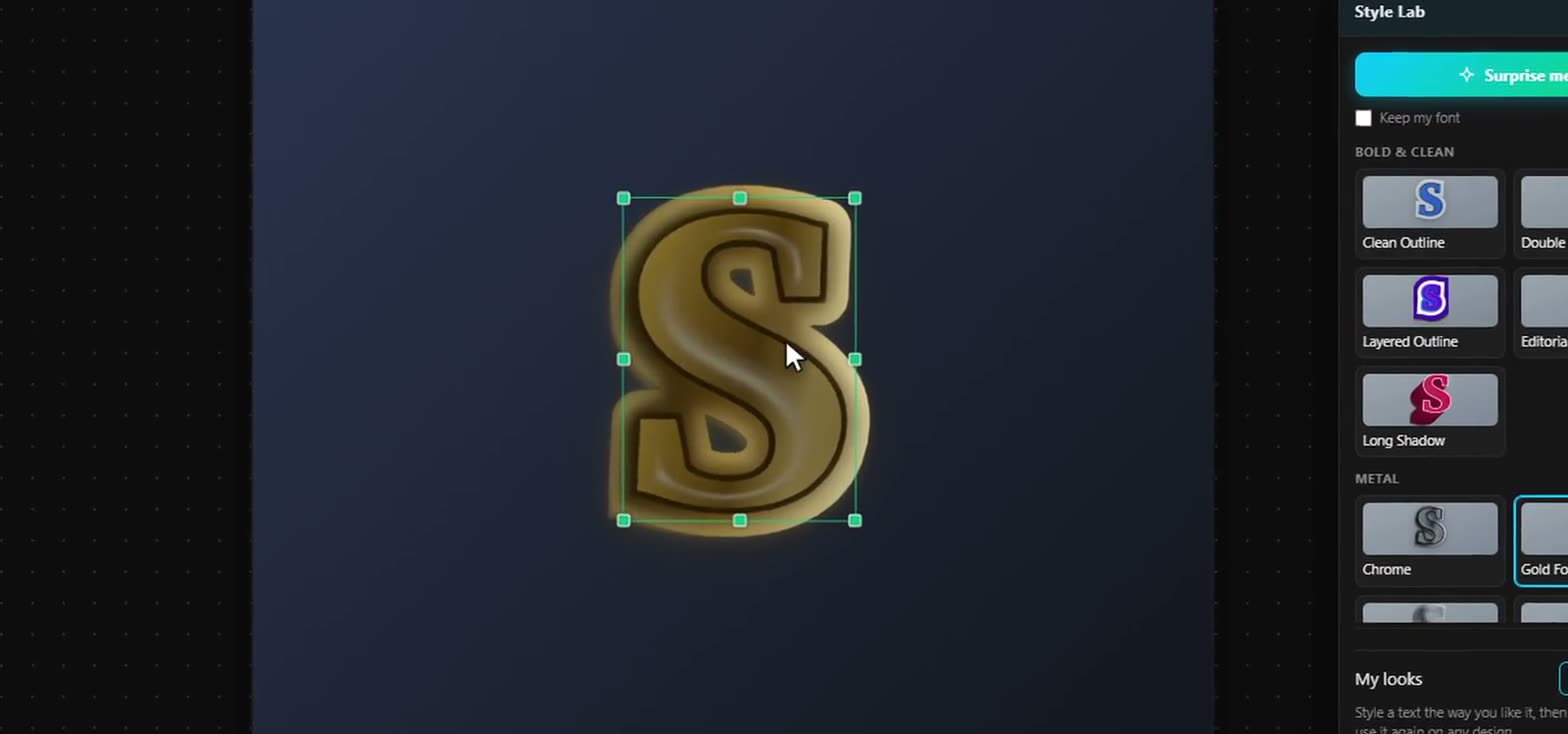
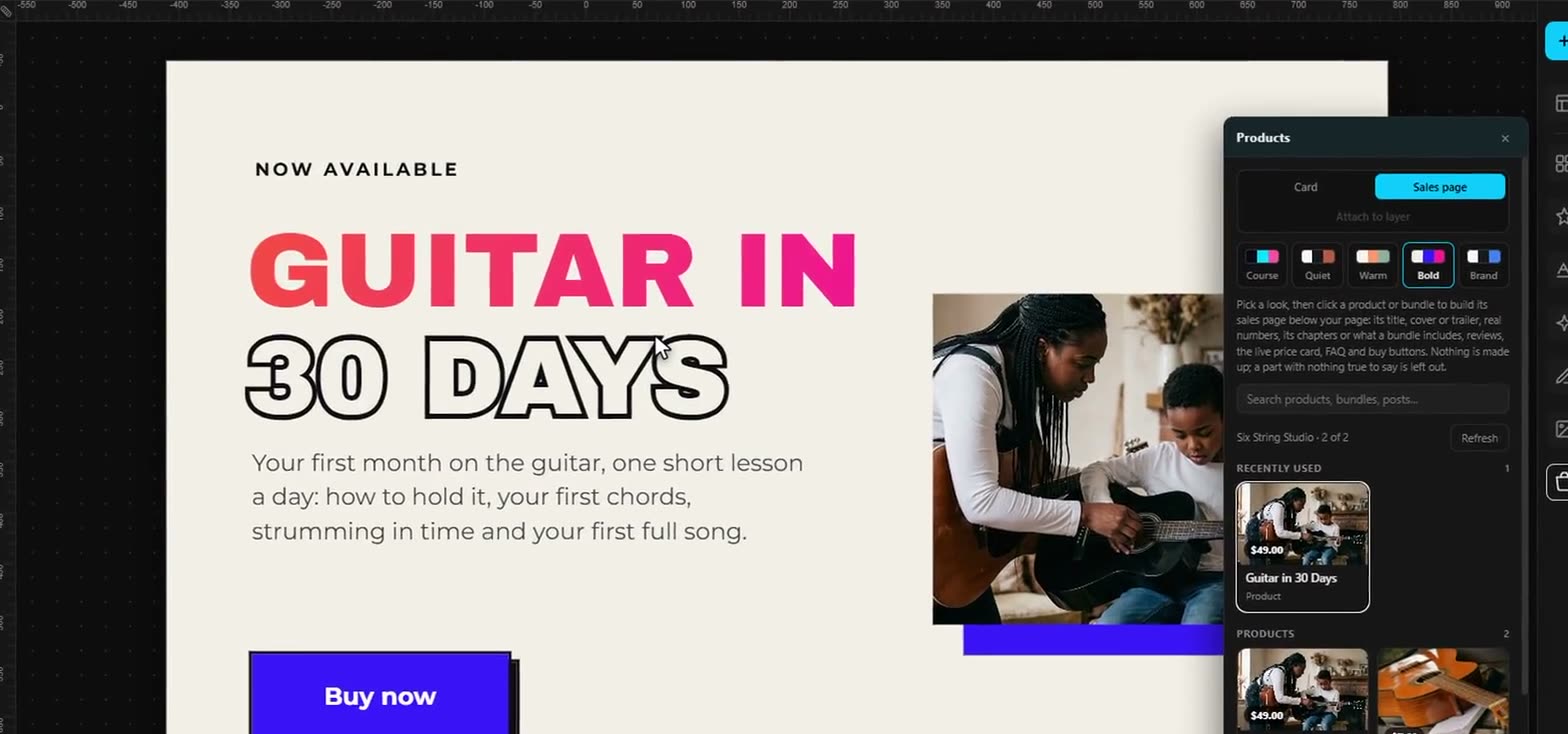
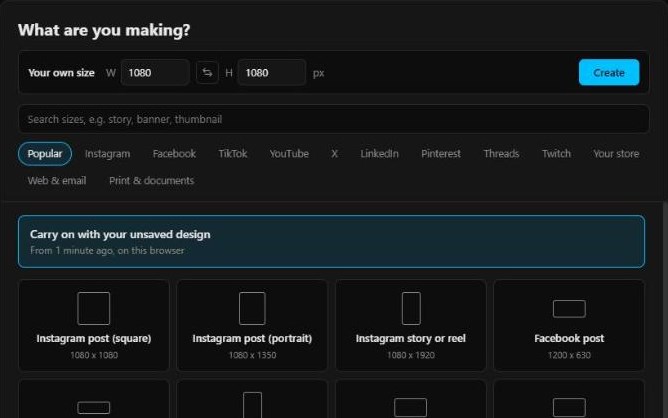
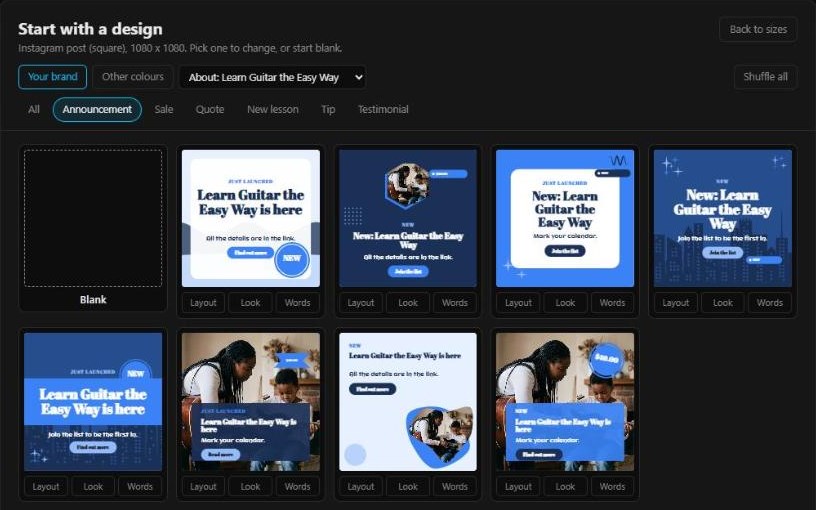
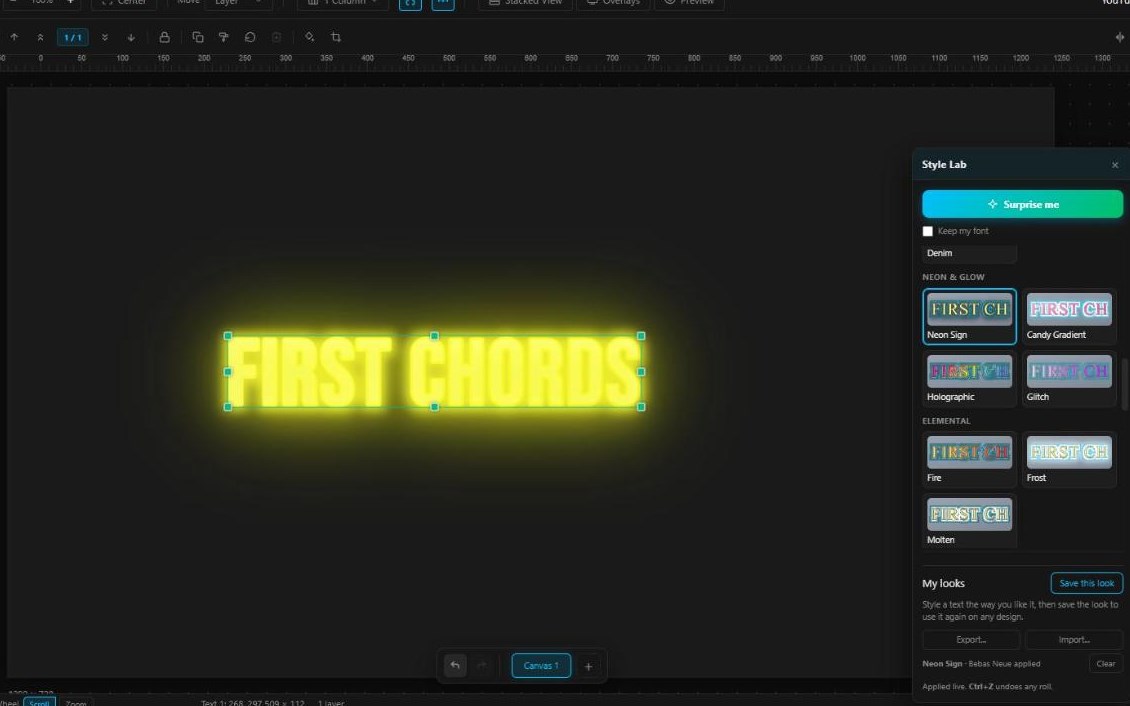
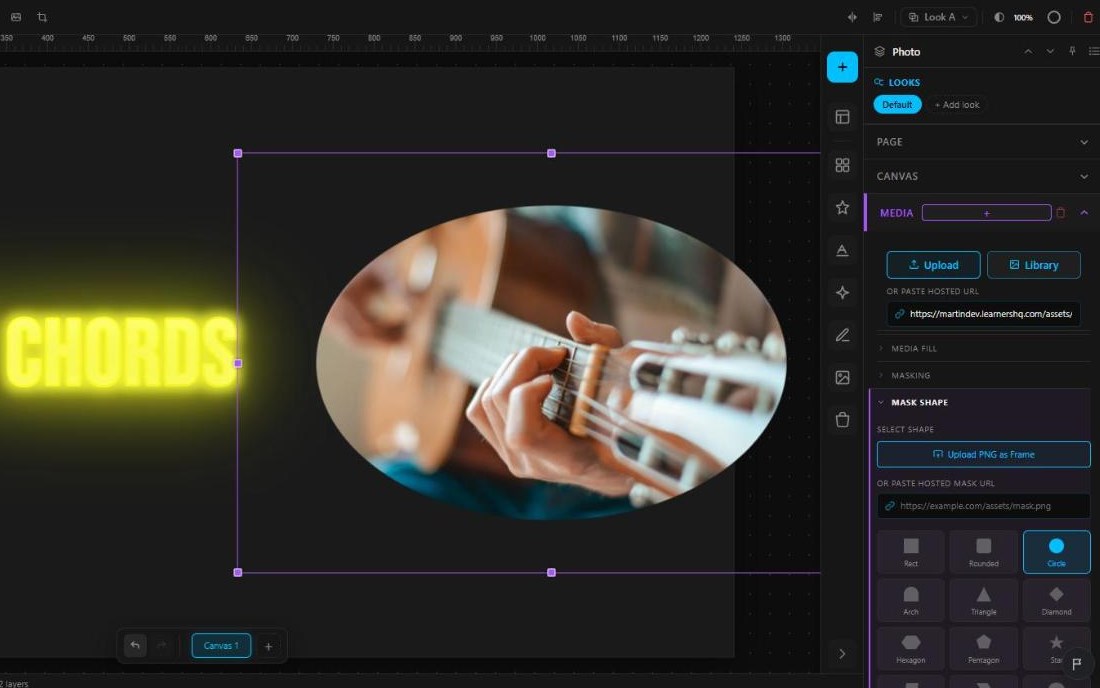
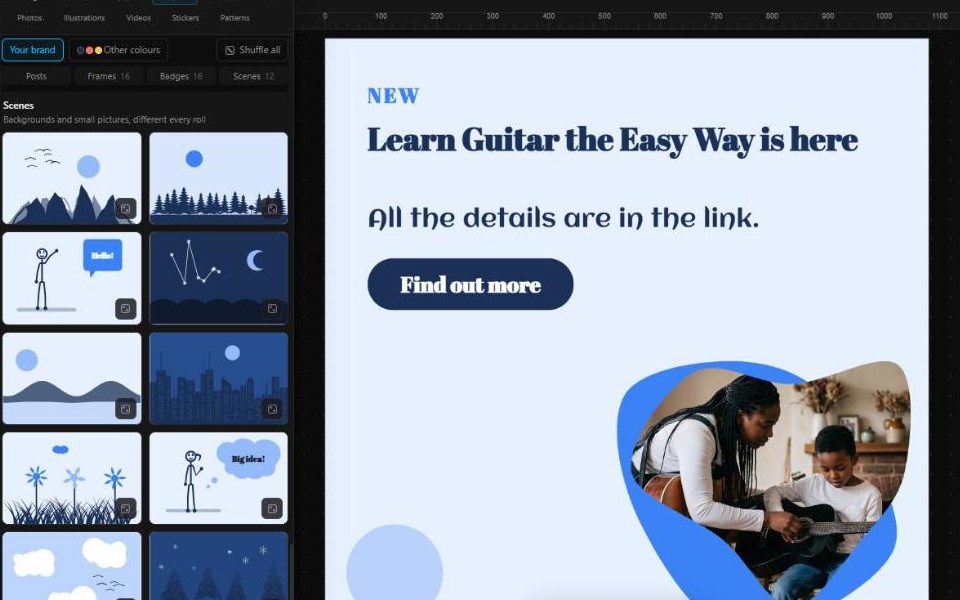
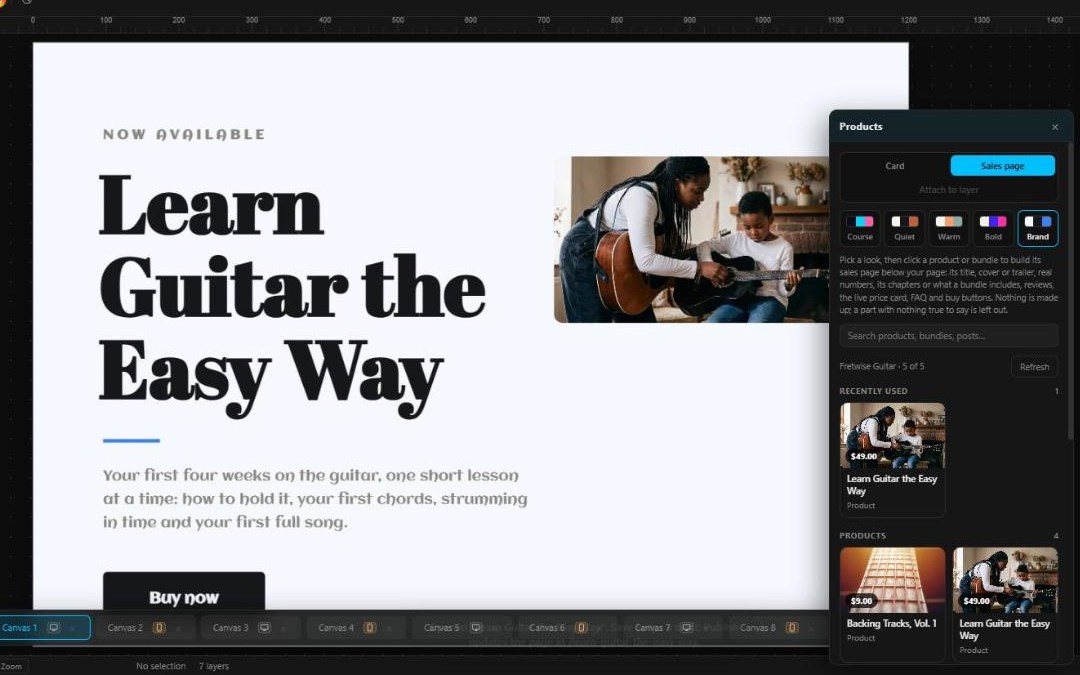
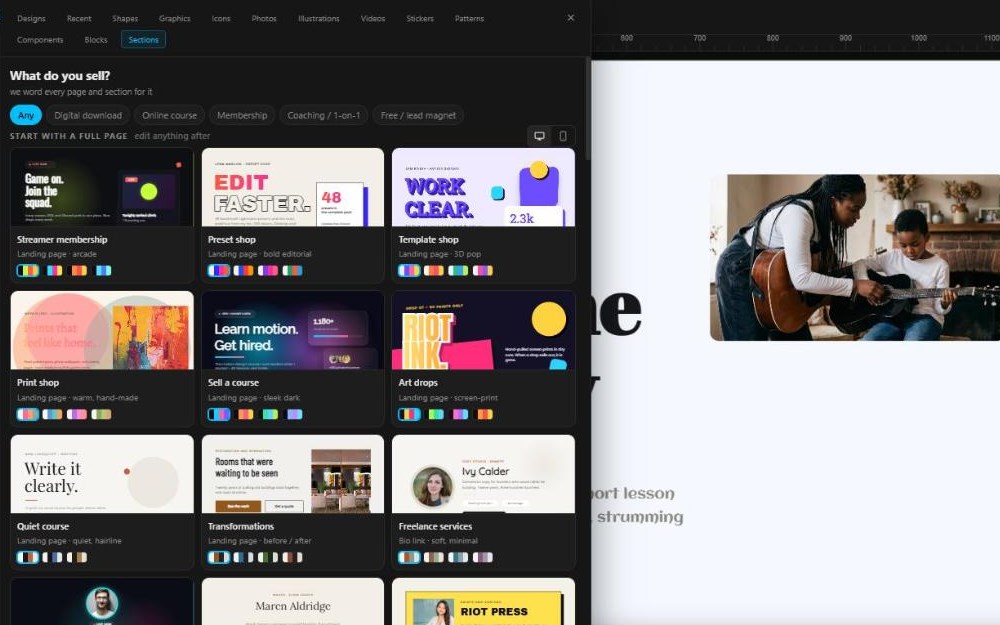
Merlin is the design studio built into LearnersHQ. Start from a template, then keep going: gradients, fonts, shapes, effects and animation, on a canvas that is yours. It has two sides: Graphics, for posts, thumbnails, logos and workbooks, and Pages, for the sales and landing pages your store sells from.
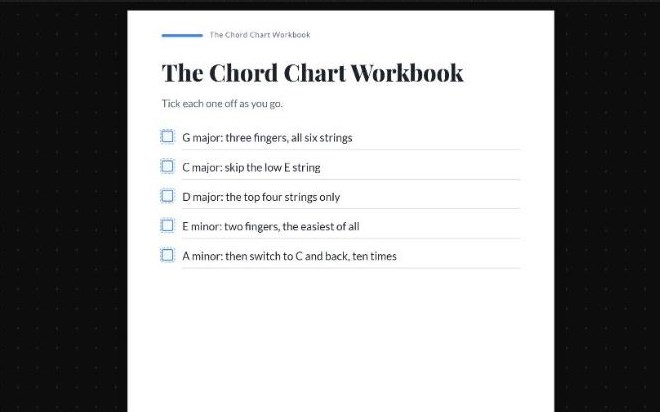
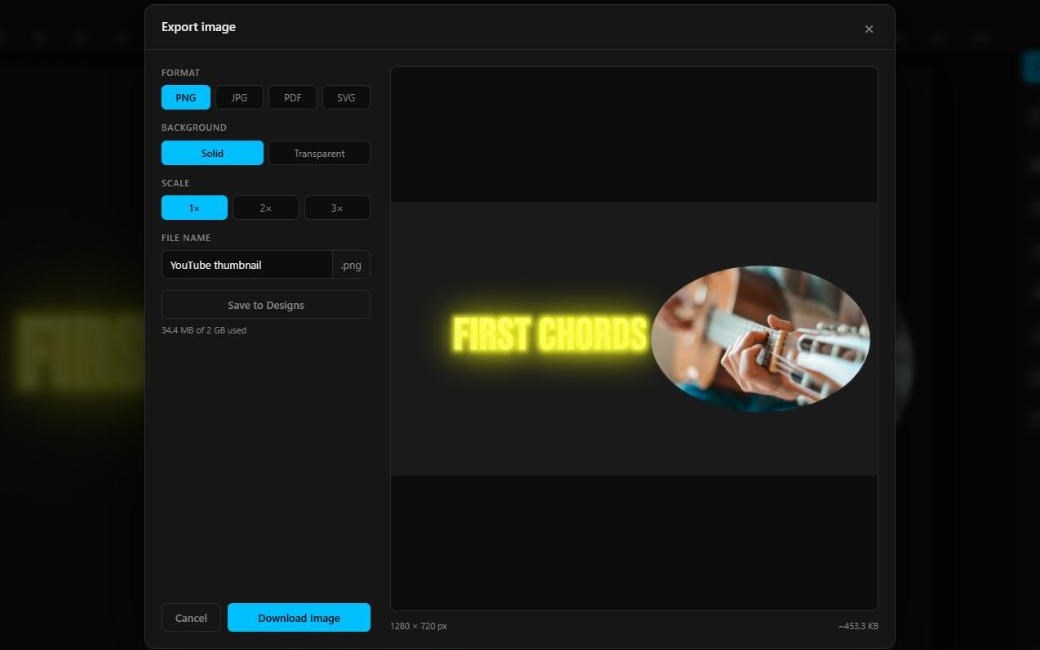
Posts, thumbnails, logos and workbooks: download them to post or print, or put them on your products.
The Animation Studio
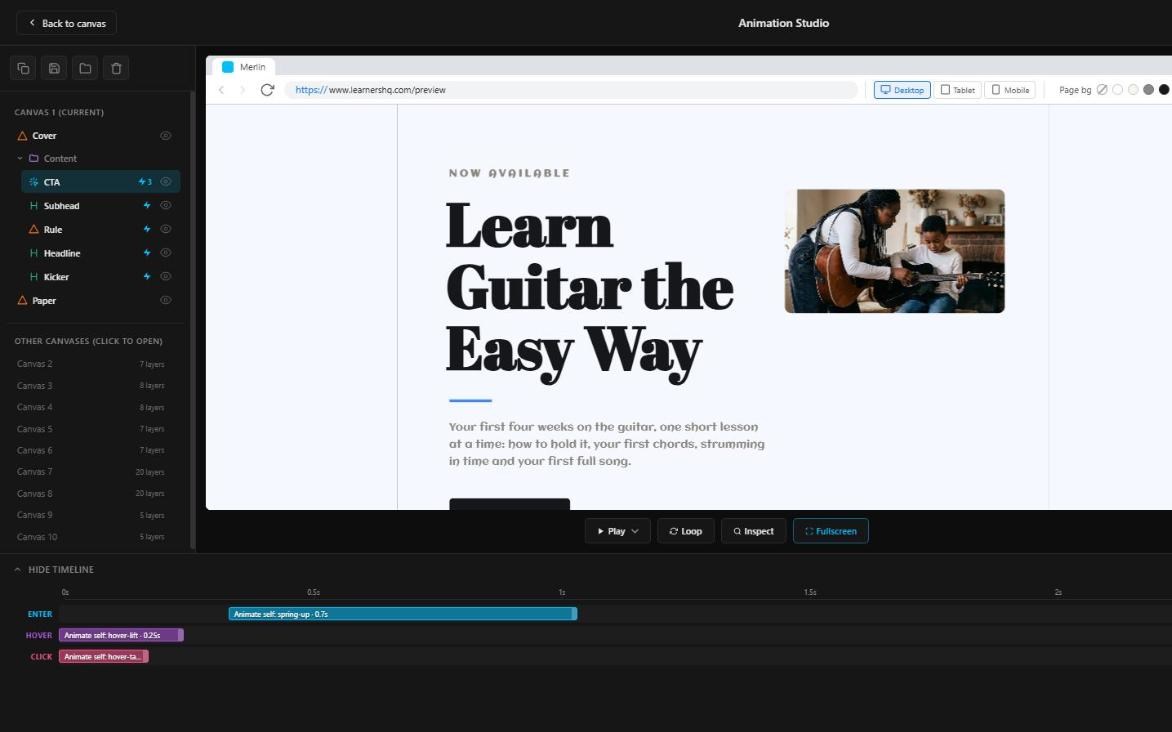
Press Animate on any layer. Choose when it happens, choose what happens, and chain the steps to play with or after each other. 128 presets for entrances, loops, exits, hover and click; states that change on hover or click; keyframes that follow the scroll. It all plays on your published pages from one small script, so they stay quick.
Five recordings made on five consecutive mornings in the same field, and the reasoning behind each one.
Morning 1 · First light, still air
Morning 2 · What I got wrong
Morning 3 · Rain on the hedge
Morning 4 · The one I would release
Morning 5 · Wind and the road
Inside the Animation Studio
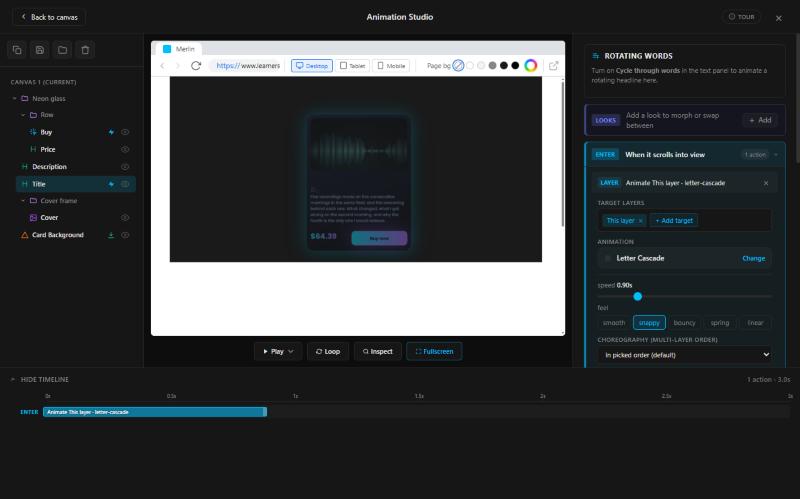
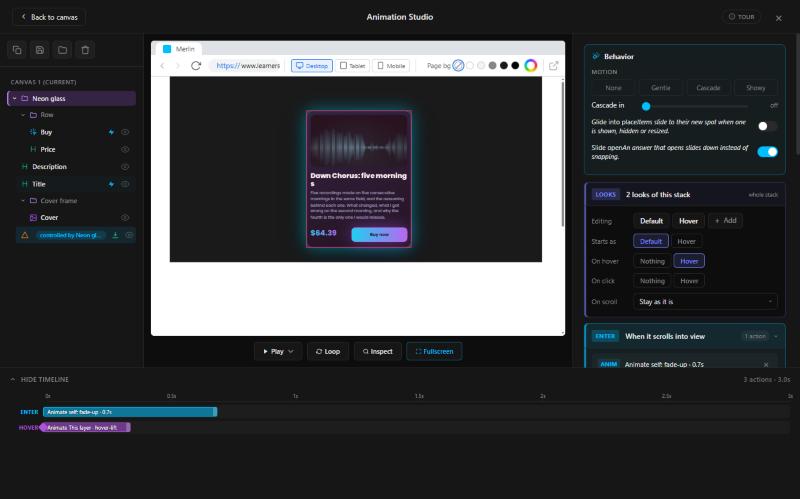
The card above was set up in the Animation Studio, Merlin's room for movement. This is the real thing, on a real product card, step by step.
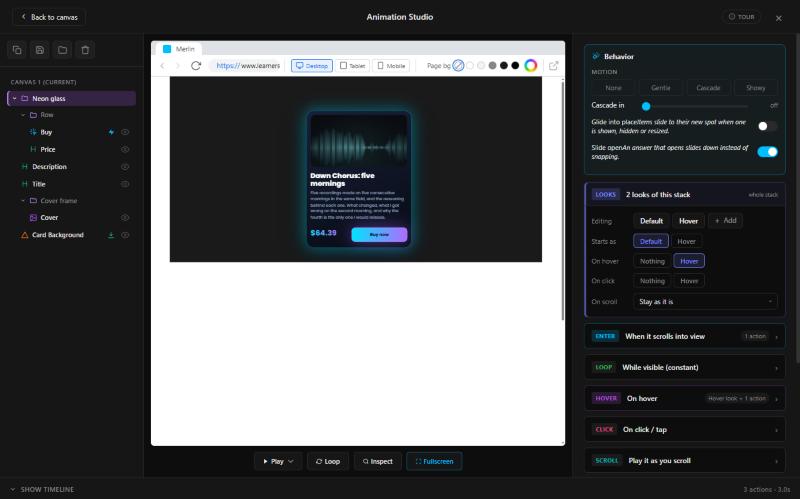
Open the Animation Studio from Merlin's toolbar. Your design's parts are on the left, a live preview in the middle, and what happens on the right.
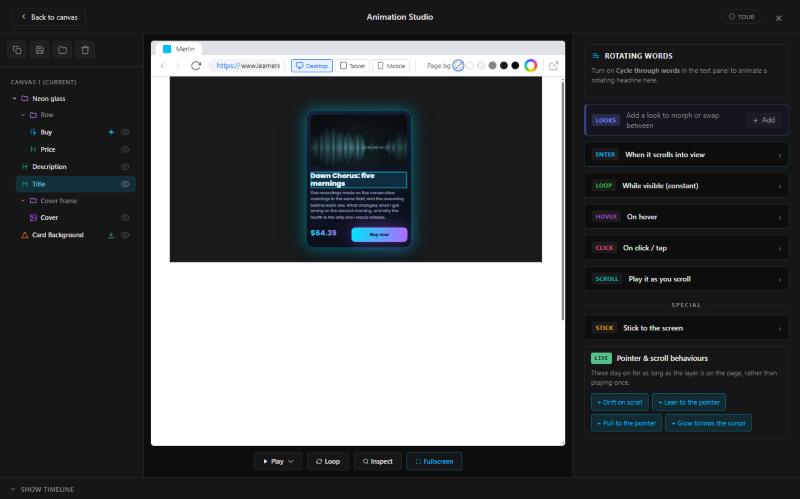
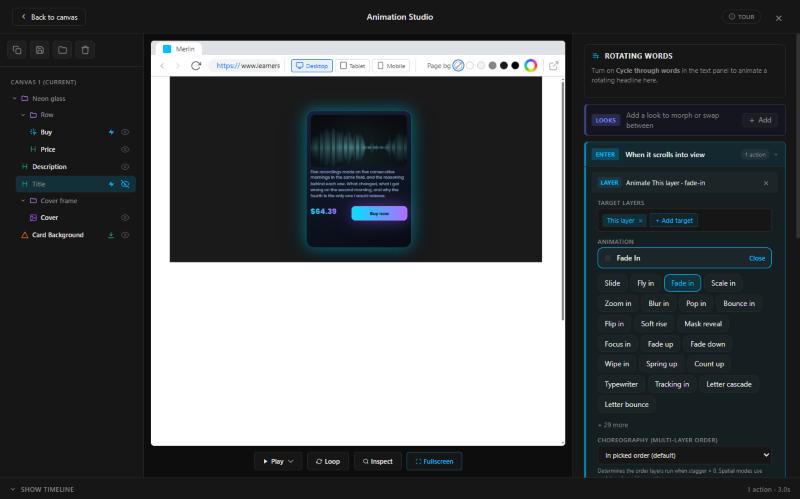
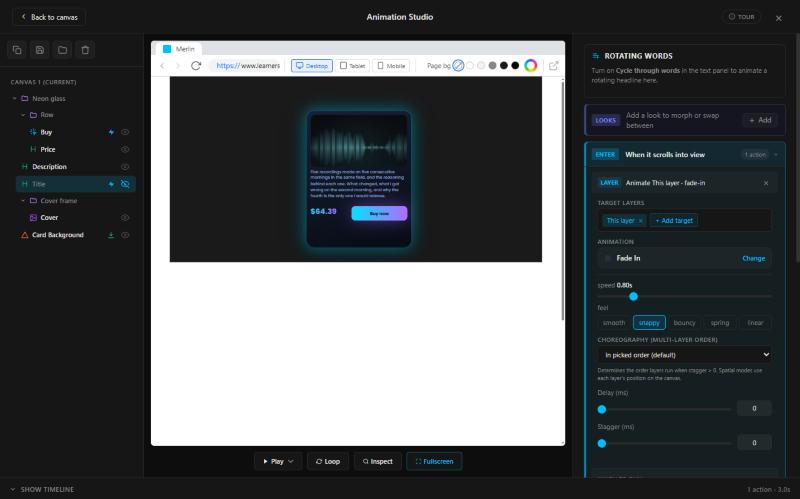
Launch it
Launch a new product in five steps: show it as coming soon with its launch date, collect the people who want it, tell them all on the day it's out, run a launch sale with a countdown, and let your page test which version sells best.
On your store and landing pages, with the date. The marketplace lists it on the day.
They sign up to hear when it's out, on your product page or by leaving their email on your landing page. The emails they leave are yours.
Everyone who asked to be told hears the moment it's out: on their notification bell, and by email if they left their address on your landing page.
Set the sale's end date once. Every countdown on your pages runs to it and moves if you change it. When it ends, the price goes back by itself.
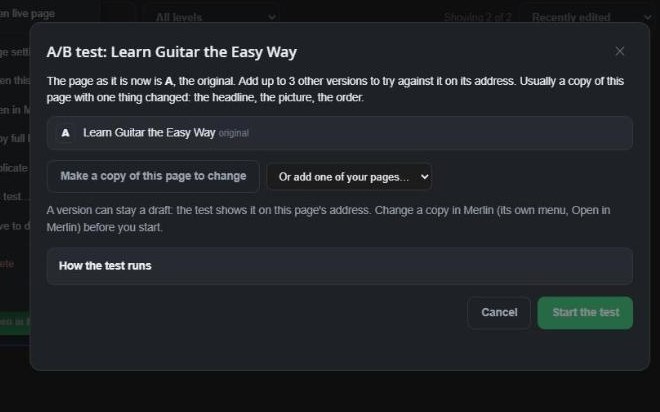
Put up to four versions of a page on one address. Each visitor sees one version, we count the sales, and the winner can go live by itself.
Sell it
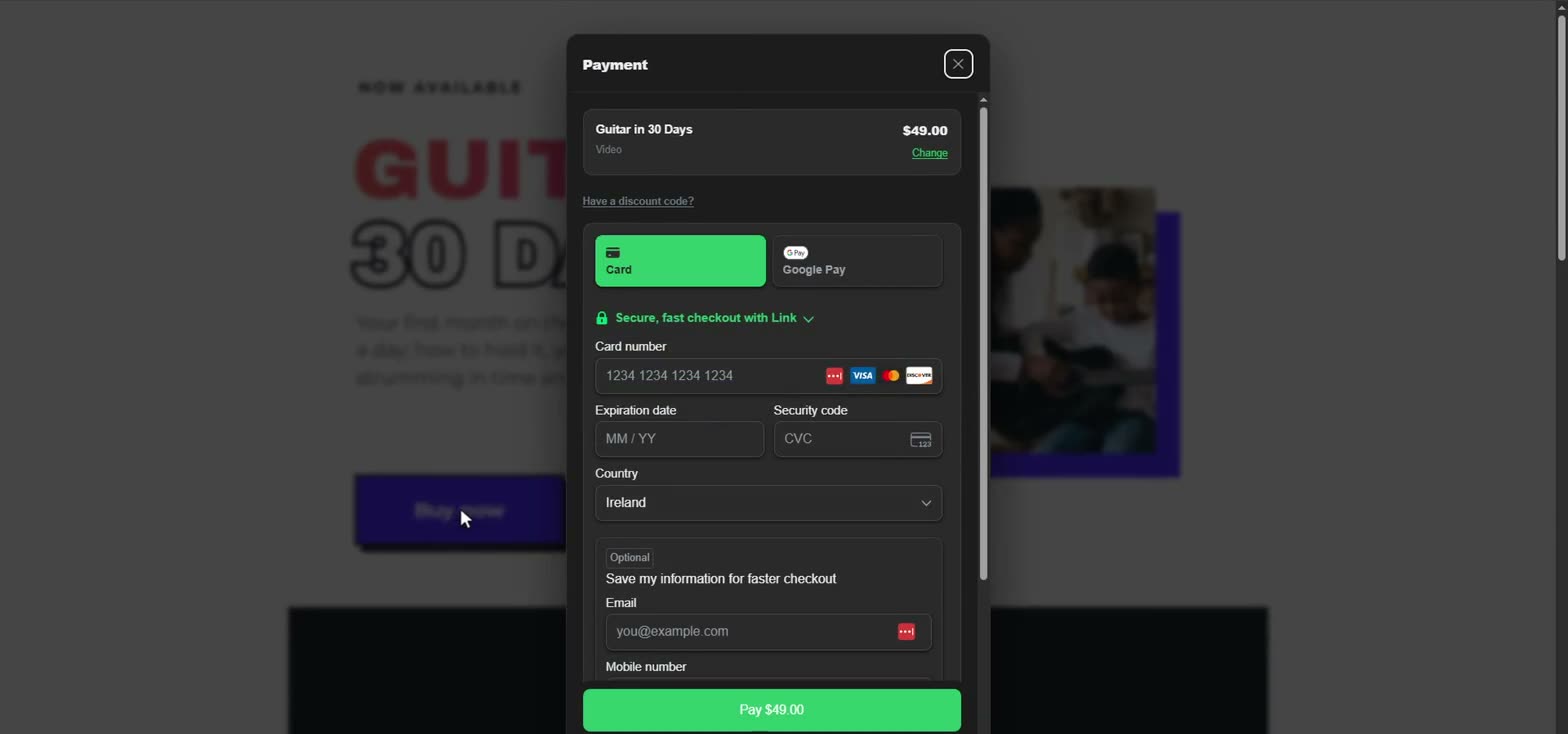
The selling underneath is the real thing: the checkout, the payments, the customers, the stats.
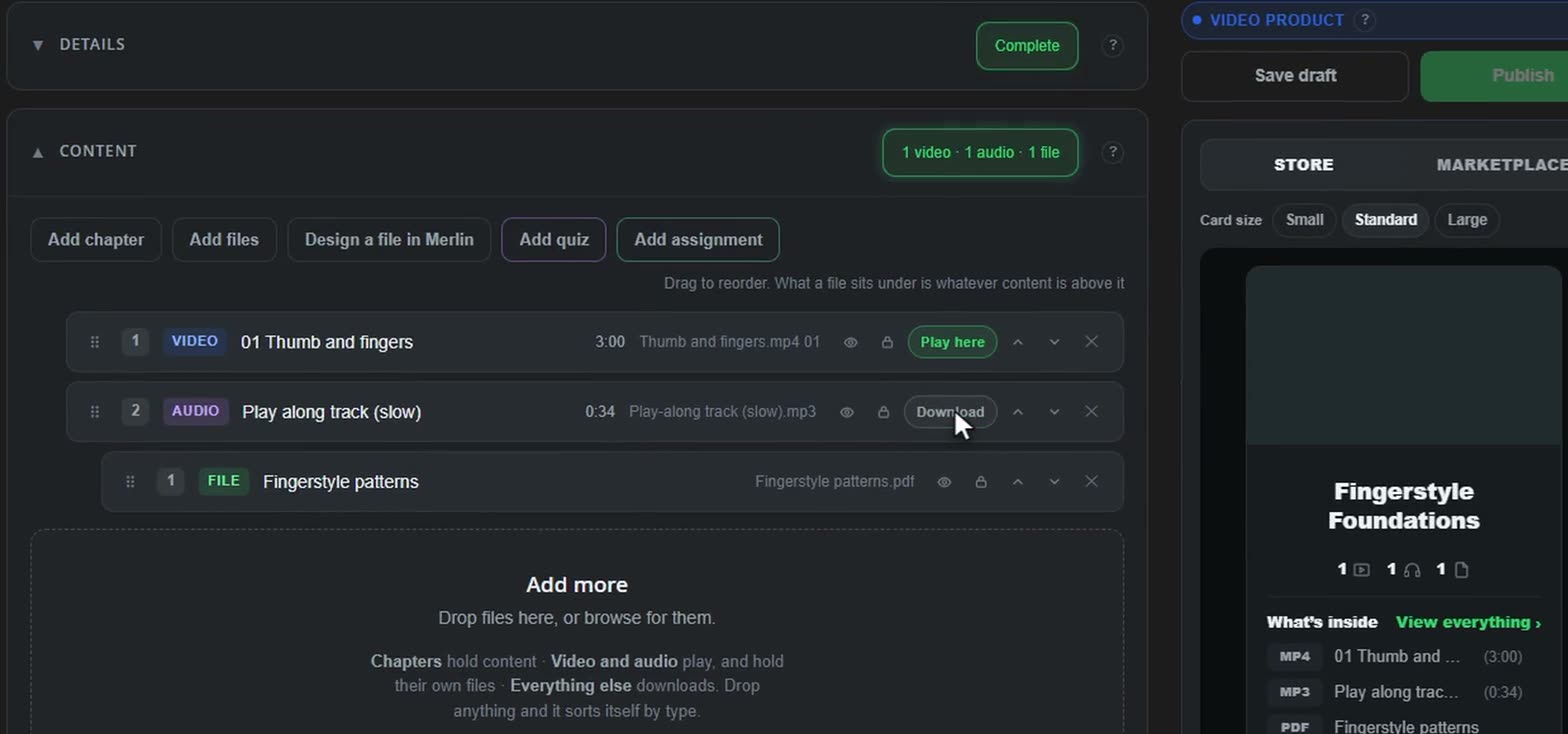
Video and audio are what plays. A file goes with whatever plays above it, and chapters group them, if you want them. It sorts itself by type; drag to change the order. Try it: add a file, move things, lock one.
What your customer sees
Theirs to keep, on any device.
$78.08 onceMonthly, every three months or yearly. Sell it once and by plan at the same time.
OnceMonth3 moYearUp to 30 days free on a plan, one per customer.
7 days free then $12.00 a monthA lower price for the first few payments of a plan, then your usual price after that.
$6.00 a month for 3 months, then $12.00 a monthBy dates, for the first buyers, or on the first payments. Several can stack, in your order.
25% off · ends SunFor a product or a bundle, with dates and a limit on uses.
STRONG20One tick at checkout adds something small to a one-off buy.
✓ Add the meal plan $9Buyers see and pay in theirs, at the day's rate.
€72.40 · £61.20 · A$121Customers switch plans, or upgrade to a bundle and pay only the difference.
Upgrade to the bundle: $31.00Choose the last day people can buy it. After that, it's no longer available.
Available until Sun 29 NovHidden from your store, the marketplace and search engines. Only people you send the link to can see it and buy it.
Only with the link14 days to ask, once per payment. You answer first, and if you can't agree, we decide. See how
Case LHQ-C0142 · SettledPackage it
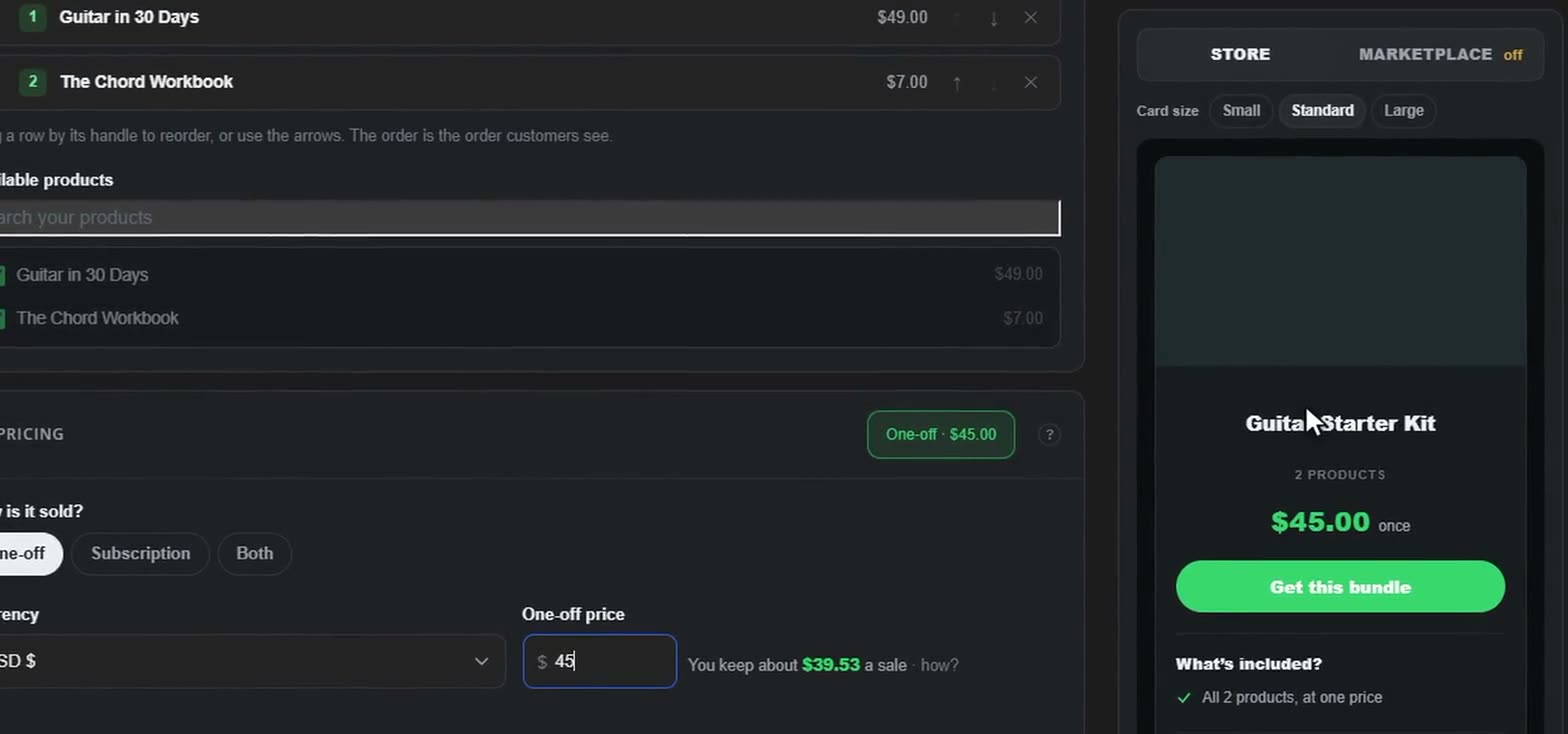
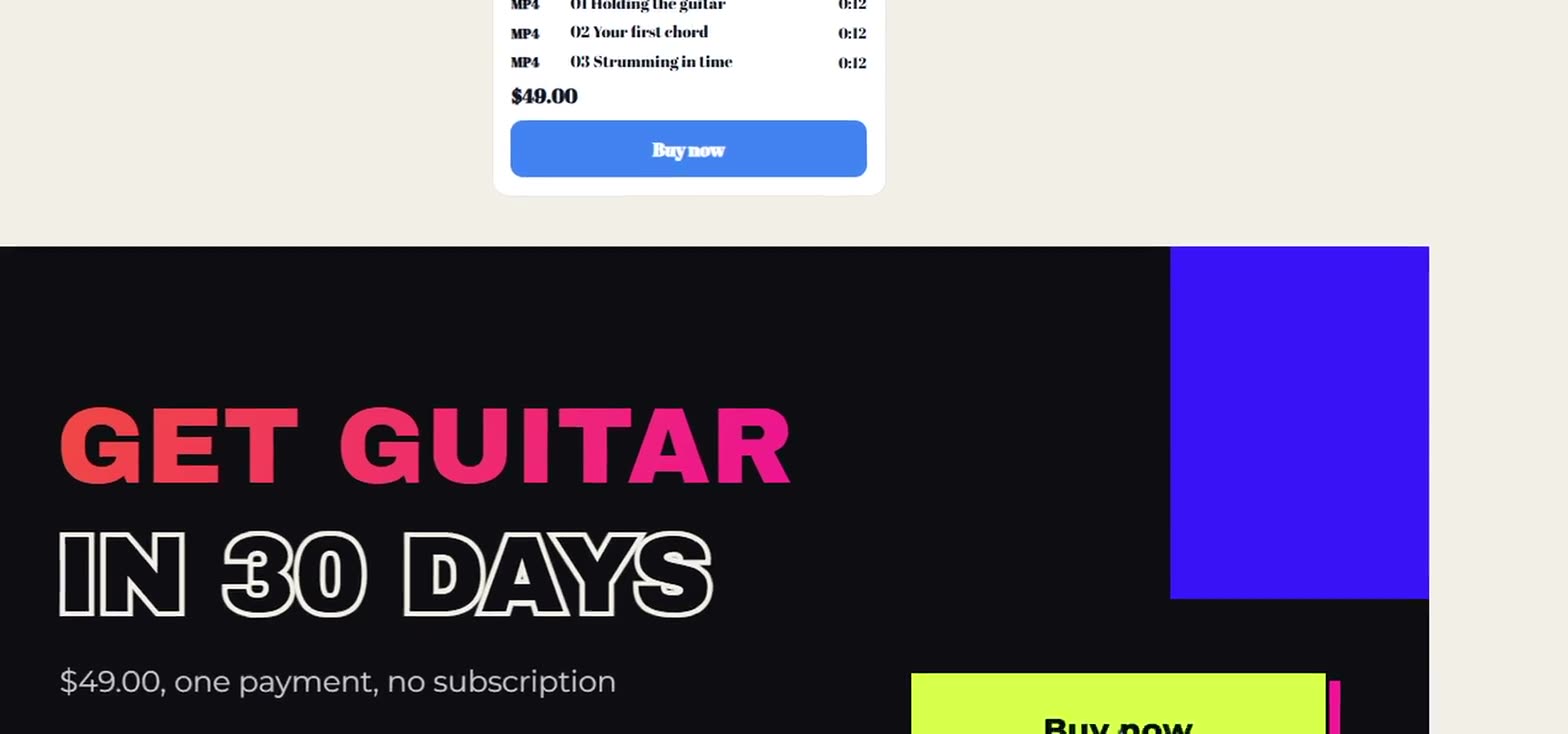
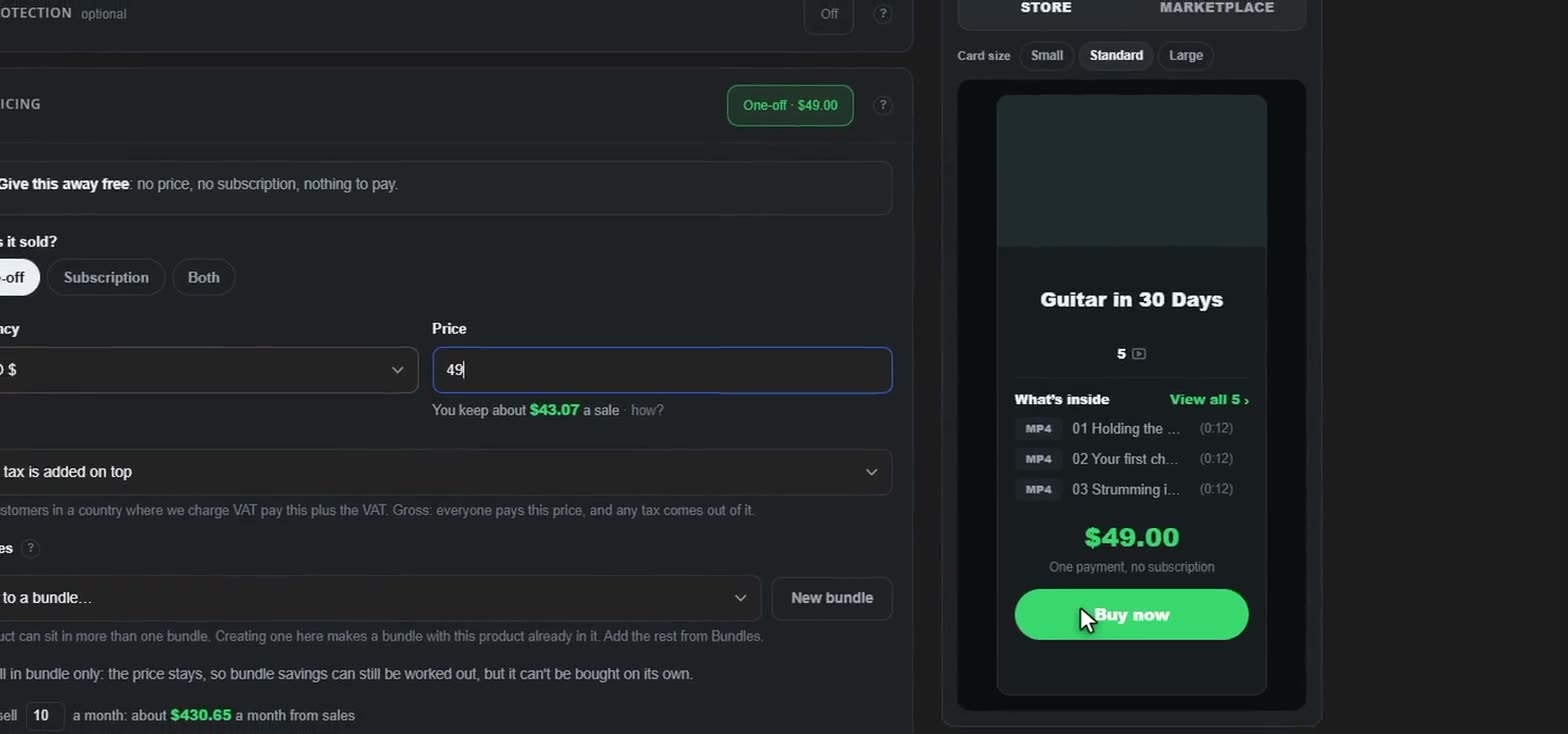
Sell your products together for less, and show them in your store, on the marketplace and on your landing pages, with every card kept up to date for you.
3 products
$70.00 bought separately
In this bundle 3
On your store
Put products together and give them a price of their own: once, by plan, or both. The saving is worked out and shown for you, and every product in it says Also in a bundle. Someone who bought one product can upgrade to the bundle and pay only the difference, and a bundle can have its own launch date: everyone who signed up to hear about it is told on the day it's out.

On the marketplace
Your products and bundles are connected to every card that shows them: in your store, on the marketplace and on your landing pages, in whichever of Merlin's designs you like. Change the price, start a sale or sell a place, and every one of those cards shows it straight away. Nothing to remake, nothing to copy across.
Store and marketplace cards follow every change you make to the product or bundle. On a landing page, the price, sale and places left update by themselves; for a new title or picture, press Update card in Merlin.
3(0:55)
One payment, no subscription

Keep them close
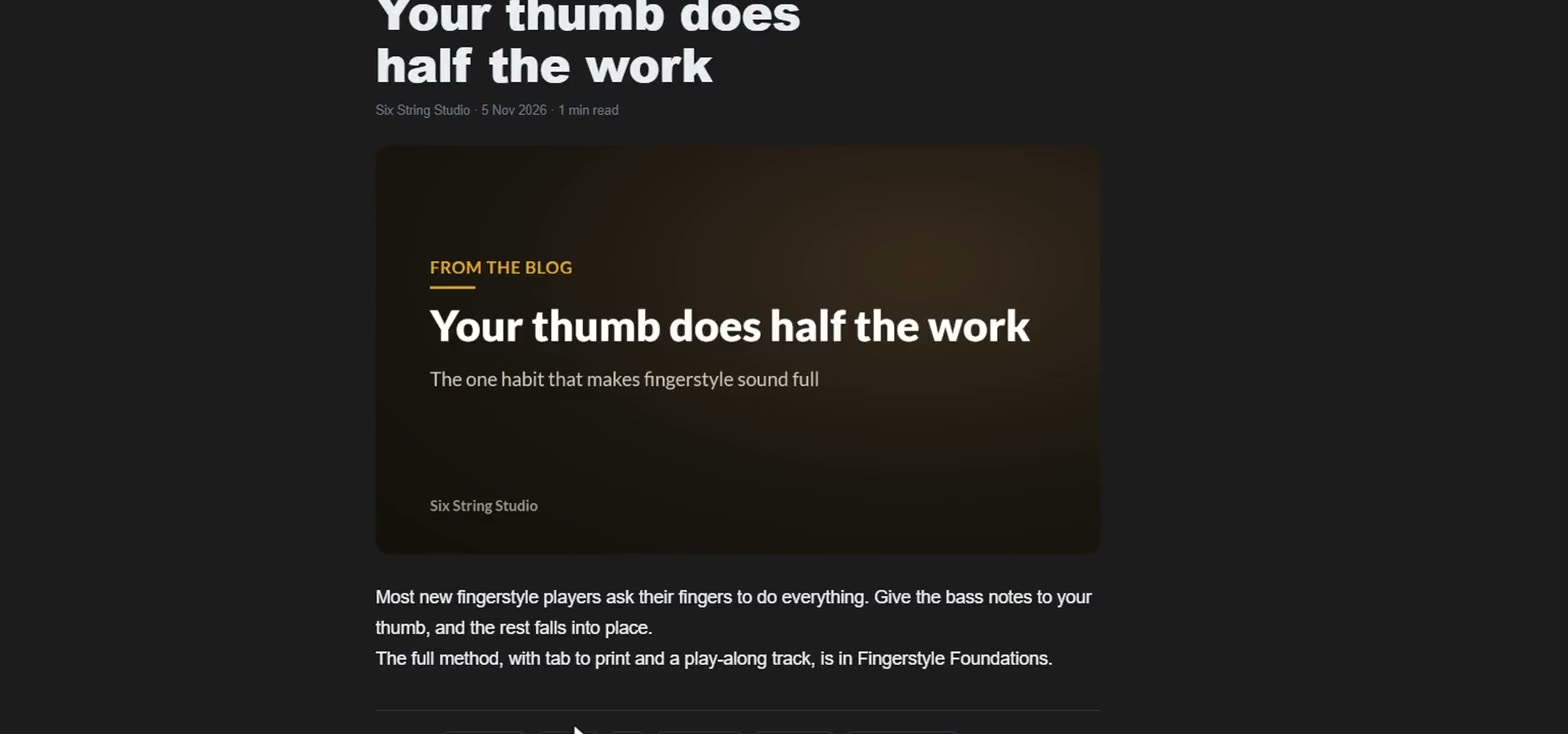
Your store has a feed of its own. Post a quick update, a set of pictures, a video, a recording or a full article, and choose who reads each one: everyone, your followers, or paying members. It reaches their Feed and their bell, and Stats shows you which posts bring in followers and money.
This week's riff, slowed right down.The four bars everyone asked about, at half speed and then full speed, and where your fingers go.
Who can read it
Get any one of these. You will get every post like it, too.
Every post can be commented on, has five types of reactions and followers can save it. Stats show every post, how many people saw it and how much it earned.
Grow it
See where your buyers come from, what they do with what they bought, and which links, pages and posts earn their keep. Then do more of what works.
Every sale in this period, before fees
Your store £1,297Marketplace £731Landing pages £1,349Straight to checkout £269
42 sales in this period.
Everybody who arrived in the last 30 days, by the way they came in, and how far they got
| Came in through | People | Checkout | Bought | Rate | Made |
|---|---|---|---|---|---|
| All | 912 | 259 | 103 | 11% | £3,646 |
| Landing pages | 357 | 121 | 53 | 15% | £1,349 |
| Winter workshop | 221 | 75 | 33 | 15% | £836 |
| Night sky starter | 136 | 46 | 20 | 15% | £513 |
| Your store | 320 | 86 | 31 | 10% | £1,297 |
| Marketplace | 226 | 43 | 13 | 6% | £731 |
| Straight to checkout | 9 | 9 | 6 | 67% | £269 |
On what: Phone 583 · Computer 357
From other sites and links: Google 376 (47 bought) · Instagram 282 (28 bought) · Typed or bookmarked 282 (19 bought)
Rate is how many of the people bought. Made is the period's sales, refunds left out. Straight to checkout is somebody who opened a checkout link, from an email or a message, without one of your pages first. Counted in people. Somebody who turned cookies down is counted again on each visit.
Sales in this period, by product
Sales in the last 30 days, by how they were bought
| Sales | Money | Share | |
|---|---|---|---|
| Products bought outright | 18 | £702 | 36% |
| Bundles bought outright | 6 | £534 | 27% |
| New plans | 4 | £116 | 6% |
| Plan renewals | 21 | £609 | 31% |
| Free claims | 37 | – | – |
Share is of the money. Free claims are counted, not added up.
What a sale, a buyer and a visitor are worth in the last 30 days
Per visitor is money in over the 1066 different people who visited your stores. Watch these after you change a price or add a bundle.
Your order bumps in the last 30 days
| Product | Extra | Shown | Took | Added | Refunds |
|---|---|---|---|---|---|
| The Long Exposure Companion | Night Sky Presets | 64 | 19 · 30% | £361 | 1 |
Shown counts buyers the checkout showed the extra to, once each. Money added is the extras alone, also inside Money in. Took is how many bought it, and the share of the buyers shown it who did.
The country of the card each buyer paid with
Your discount codes used in this period
Only what came in through your store: money, paid sales, visitors and where they came from. Free claims, discounts, customers, subscriptions and everything after buying are for every way in.
Every sale in this period, before fees
15 sales in this period.
Everybody who arrived in the last 30 days, by the way they came in, and how far they got
| Came in through | People | Checkout | Bought | Rate | Made |
|---|---|---|---|---|---|
| Your store | 320 | 86 | 31 | 10% | £1,297 |
Rate is how many of the people bought. Made is the period's sales, refunds left out. Counted in people. Somebody who turned cookies down is counted again on each visit.
Sales in this period, by product
Sales in the last 30 days, by how they were bought
| Sales | Money | Share | |
|---|---|---|---|
| Products bought outright | 6 | £250 | 36% |
| Bundles bought outright | 2 | £190 | 27% |
| New plans | 1 | £41 | 6% |
| Plan renewals | 7 | £217 | 31% |
| Free claims | 37 | – | – |
Share is of the money. Free claims are counted, not added up.
What a sale, a buyer and a visitor are worth in the last 30 days
Per visitor is money in over the 417 different people who visited your stores. Watch these after you change a price or add a bundle.
Your order bumps in the last 30 days
| Product | Extra | Shown | Took | Added | Refunds |
|---|---|---|---|---|---|
| The Long Exposure Companion | Night Sky Presets | 23 | 7 · 30% | £128 | 1 |
Shown counts buyers the checkout showed the extra to, once each. Money added is the extras alone, also inside Money in. Took is how many bought it, and the share of the buyers shown it who did.
The country of the card each buyer paid with
Your discount codes used in this period
Only what came in through the marketplace: money, paid sales, visitors and where they came from. Free claims, discounts, customers, subscriptions and everything after buying are for every way in.
Every sale in this period, before fees
8 sales in this period.
Everybody who arrived in the last 30 days, by the way they came in, and how far they got
| Came in through | People | Checkout | Bought | Rate | Made |
|---|---|---|---|---|---|
| Marketplace | 226 | 43 | 13 | 6% | £731 |
Rate is how many of the people bought. Made is the period's sales, refunds left out. Counted in people. Somebody who turned cookies down is counted again on each visit.
Sales in this period, by product
Sales in the last 30 days, by how they were bought
| Sales | Money | Share | |
|---|---|---|---|
| Products bought outright | 4 | £141 | 36% |
| Bundles bought outright | 1 | £107 | 27% |
| New plans | 1 | £23 | 6% |
| Plan renewals | 4 | £122 | 31% |
| Free claims | 37 | – | – |
Share is of the money. Free claims are counted, not added up.
What a sale, a buyer and a visitor are worth in the last 30 days
Per visitor is money in over the 235 different people who visited your stores. Watch these after you change a price or add a bundle.
Your order bumps in the last 30 days
| Product | Extra | Shown | Took | Added | Refunds |
|---|---|---|---|---|---|
| The Long Exposure Companion | Night Sky Presets | 13 | 4 · 31% | £72 | 1 |
Shown counts buyers the checkout showed the extra to, once each. Money added is the extras alone, also inside Money in. Took is how many bought it, and the share of the buyers shown it who did.
The country of the card each buyer paid with
Your discount codes used in this period
Only what came in through a landing page: money, paid sales, visitors and where they came from. Free claims, discounts, customers, subscriptions and everything after buying are for every way in.
Every sale in this period, before fees
16 sales in this period.
Everybody who arrived in the last 30 days, by the way they came in, and how far they got
| Came in through | People | Checkout | Bought | Rate | Made |
|---|---|---|---|---|---|
| Landing pages | 357 | 121 | 53 | 15% | £1,349 |
| Winter workshop | 221 | 75 | 33 | 15% | £836 |
| Night sky starter | 136 | 46 | 20 | 15% | £513 |
Rate is how many of the people bought. Made is the period's sales, refunds left out. Counted in people. Somebody who turned cookies down is counted again on each visit.
Sales in this period, by product
Sales in the last 30 days, by how they were bought
| Sales | Money | Share | |
|---|---|---|---|
| Products bought outright | 7 | £260 | 36% |
| Bundles bought outright | 2 | £198 | 27% |
| New plans | 1 | £43 | 6% |
| Plan renewals | 8 | £225 | 31% |
| Free claims | 37 | – | – |
Share is of the money. Free claims are counted, not added up.
What a sale, a buyer and a visitor are worth in the last 30 days
Per visitor is money in over the 434 different people who visited your stores. Watch these after you change a price or add a bundle.
Your order bumps in the last 30 days
| Product | Extra | Shown | Took | Added | Refunds |
|---|---|---|---|---|---|
| The Long Exposure Companion | Night Sky Presets | 24 | 7 · 29% | £134 | 1 |
Shown counts buyers the checkout showed the extra to, once each. Money added is the extras alone, also inside Money in. Took is how many bought it, and the share of the buyers shown it who did.
The country of the card each buyer paid with
Your discount codes used in this period
Watching and downloading, by day
2026-10-06 to 2026-11-04, against 2026-09-06 to 2026-10-05.
How far buyers get, lesson by lesson
Of everyone who has your product, the share who reached each lesson. The biggest fall is into lesson 5: 23 points.
Share of buyers who finished every lesson
Nobody has a video or audio product of yours yet.
Buyers who have not opened it yet
Bought or claimed, and not opened once. These are people to nudge, not to write off -- the "Pick up where you left off" recipe in Marketing can send one two weeks after they get it.
Each person’s best attempt
Results show here once customers take your quizzes.
Everyone on your Customers list
Monthly, quarterly and yearly plans, in this period
Churn is the plans that ended over the plans active at the start of the period.
Monthly, quarterly and yearly plans, today
A quarterly or yearly plan counts as its monthly share. Each renewal is expected one term after its last payment.
When your customers last signed in
Things the same customer bought both of, all time
| and | People | |
|---|---|---|
| Field Log Sheets | Night Sky Presets | 6 |
| Printing at Home | The Complete Kit | 3 |
Two products people often buy one after the other may sell better as a bundle, at a price that makes buying both the obvious choice.
People who messaged you before buying, in the last 30 days
Somebody counts as buying if they own something of yours now. Answering quickly is what turns a question into a sale.
Every review on your products, all time
Nobody has reviewed your products yet.
Email addresses given to you on your forms
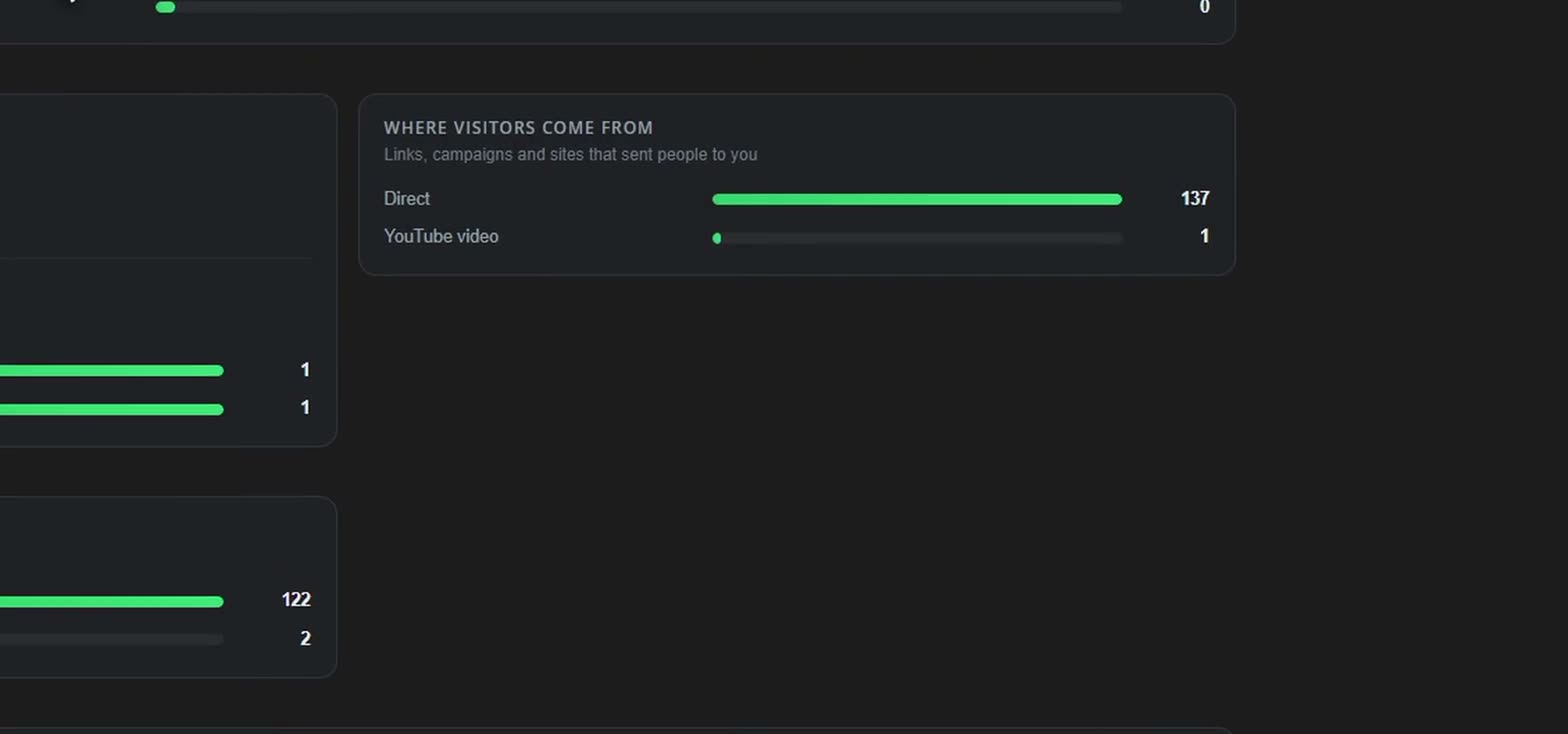
Links, campaigns and sites that sent people to you
Each visitor once, by the country their connection comes from
Landing pages, blog posts, product and bundle pages, in the last 30 days
| Readers | A quarter | Half | Three quarters | The end | |
|---|---|---|---|---|---|
| Winter workshop · Landing page | 120 | 87% | 59% | 33% | 18% |
| Five rituals for the darker months · Blog post | 214 | 89% | 70% | 55% | 45% |
| The Long Exposure Companion · Product page | 301 | 80% | 44% | 20% | 10% |
How far down the page each reader scrolled before leaving. A steep drop between two columns is where people stop reading, and often the place to move your offer up to. On a page built in Merlin, the part each reader got to last is named, top to bottom.
Blog posts and landing pages a buyer read in the 30 days before buying, for purchases in the last 30 days
| Readers | Led to | Rate | |
|---|---|---|---|
| Five rituals for the darker months · Blog post | 214 | 9 purchases | 4% |
| Winter workshop · Landing page | 120 | 7 purchases | 6% |
| What I learnt pricing my first course · Blog post | 88 | 2 purchases | 2% |
A purchase counts once for every page read on the way to it.
Words typed into your store's search box in the last 30 days
| Search | Times | Found nothing |
|---|---|---|
| star trails | 12 | – |
| lightroom presets | 9 | – |
| milky way | 7 | 2 |
| printing | 6 | – |
| astro camera settings | 5 | 3 |
| moon phases | 4 | 4 |
46 searches, 9 found nothing. A search that finds nothing is something people came for that you do not sell yet. The same words from one person in half an hour count once.
Purchases made within 30 days of pressing Unlock on one of your posts, in the last 30 days
| Post | Locked to | Unlocks | Sales | Money |
|---|---|---|---|---|
| Sunday’s bake, start to finish | The Bread Club | 74 | 17 | £153 |
| Why my loaves stopped spreading | Sourdough at home | 58 | 11 | £539 |
| The flour list I actually use | Bake Better | 43 | 8 | £632 |
| Rye week, day 3 | The Bread Club | 37 | 5 | £45 |
A sale counts for the last post its buyer pressed Unlock on, inside 30 days, and only once. A plan counts its first payment here; what it goes on to pay is under Members below and in Money.
Each post and what people did with it, in the last 30 days
| Post | Who can read it | Seen by | Reactions | Comments | Saves | Per 100 who saw it |
|---|---|---|---|---|---|---|
| Sunday’s bake, start to finishBest this period | Customers | 1,180 | 96 | 31 | 0 | 10.8 |
| Five minutes on scoring | Everyone | 1,420 | 88 | 14 | 0 | 7.2 |
| Why my loaves stopped spreading | Customers | 640 | 41 | 22 | 0 | 9.8 |
| Open bake on Thursday, who’s in? | Followers | 512 | 19 | 27 | 0 | 9.0 |
| A loaf that went wrong | Everyone | 806 | 17 | 3 | 0 | 2.5 |
Seen by is different people who had the post on their screen: on your store, in their Feed or on its own page, once a day each. A locked post counts the people who saw it locked too. Reactions are the three most used on each post, and how many. Saves is people who pressed Save to keep it for later. Per 100 who saw it is likes and comments together, so a small post that landed and a big one that did not can be told apart.
Different people who saw at least one of your posts
Somebody who saw posts in more than one place is counted once in the total and once in each place.
Likes and comments for every 100 people who saw it, by kind of post
Video does best for you in the last 30 days.
People who started following your store from a post, in the last 30 days
The rest followed from your store’s page, a product or a bundle, or by buying.
People paying for a Posts only plan who have not seen or opened a post in 30 days
Paying and not reading. Worth a message, or a post written for them.
Your Posts only plans, in the last 30 days
| Plan | Active | Joined | Left | Churn | Read a post this month |
|---|---|---|---|---|---|
| The Bread Club | 142 | +18 | −7 | 4.9% | 71% |
| Bakers’ Inner Circle | 23 | +4 | −1 | 4.3% | 87% |
Week by week, side by side, so you can see whether quiet weeks come before people leave. It shows the two together; it does not say one causes the other. In the week of 15 Sep you posted nothing and 4 members left.
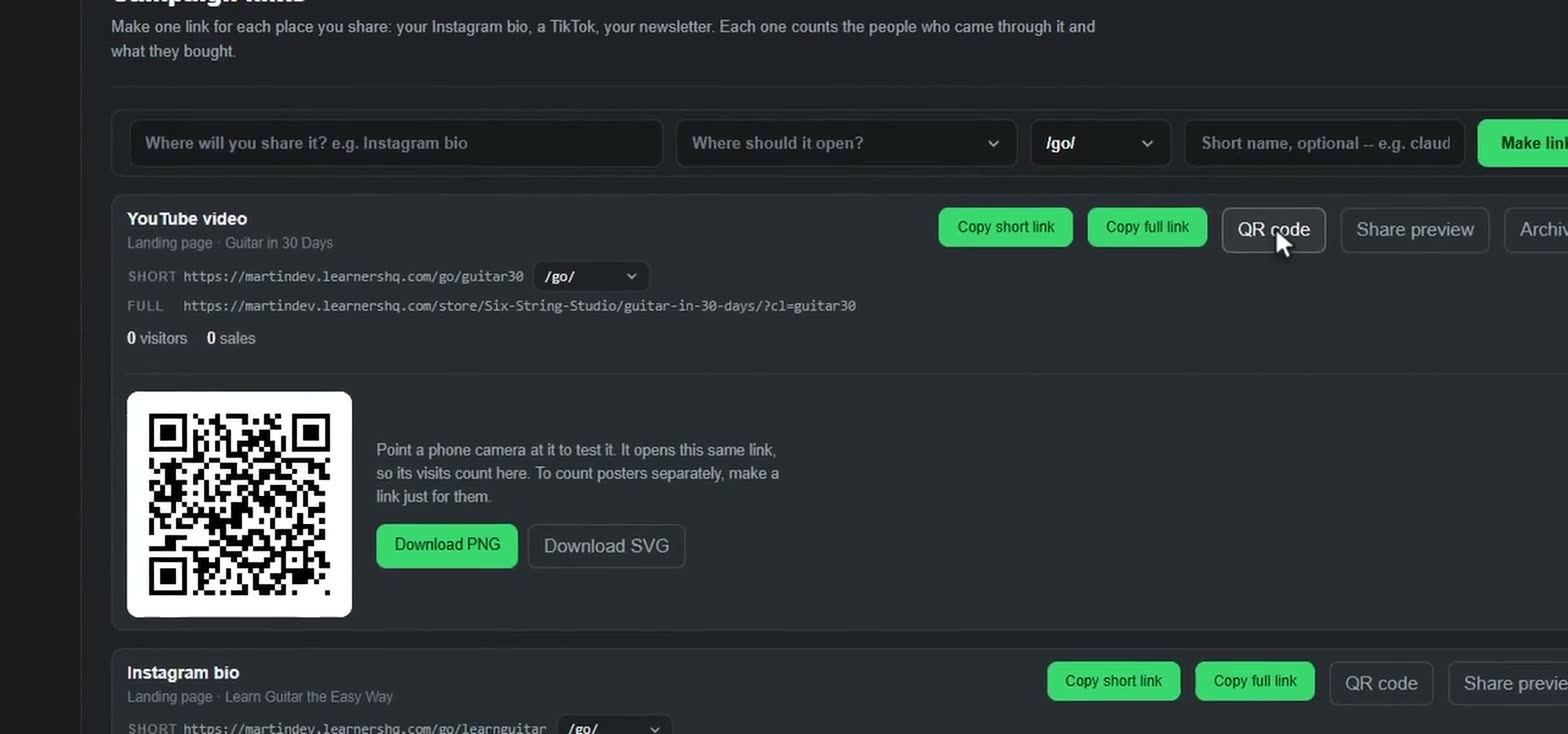
Make one link for each place you share: your Instagram bio, a TikTok, your newsletter. Each one counts the people who came through it and what they bought.
https://www.learnershq.com/go/learnguitarhttps://www.learnershq.com/store/Fretwise-Guitar/learn-guitar-the-easy-way/?cl=learnguitarhttps://www.learnershq.com/go/guitar-tiktokhttps://www.learnershq.com/store/Fretwise-Guitar/learn-guitar-the-easy-way/?cl=guitar-tiktokhttps://www.learnershq.com/join/practicehttps://www.learnershq.com/store/Fretwise-Guitar/product/the-practice-club/?cl=practiceCounted from the first page someone opens through the link, including anything they buy later in the same visit. Your own visits are not counted.
Measure your own ads. Paste the ID that Meta, Google, TikTok or Pinterest gives you, not its code. One ID covers a whole store: every visit, checkout and purchase it reports says which product it was. Nothing loads until a visitor accepts cookies, and nobody's name or email address is sent.
Its storefront, blog, product and bundle pages, checkout and landing pages.
Facebook and Instagram ads. In Meta Events Manager, under Data sources: the number under your pixel’s name.
Analytics (G-…) and Ads (AW-…). For Ads, add the conversion label after a / so purchases count as conversions. Up to three, separated by commas.
In TikTok Ads Manager, under Assets, Events, Web events.
In Pinterest Ads, under Conversions, Tag manager.
Each uses the store's IDs. Add more to one page for a campaign or a partner promoting it: they are used as well as the store's, not instead.
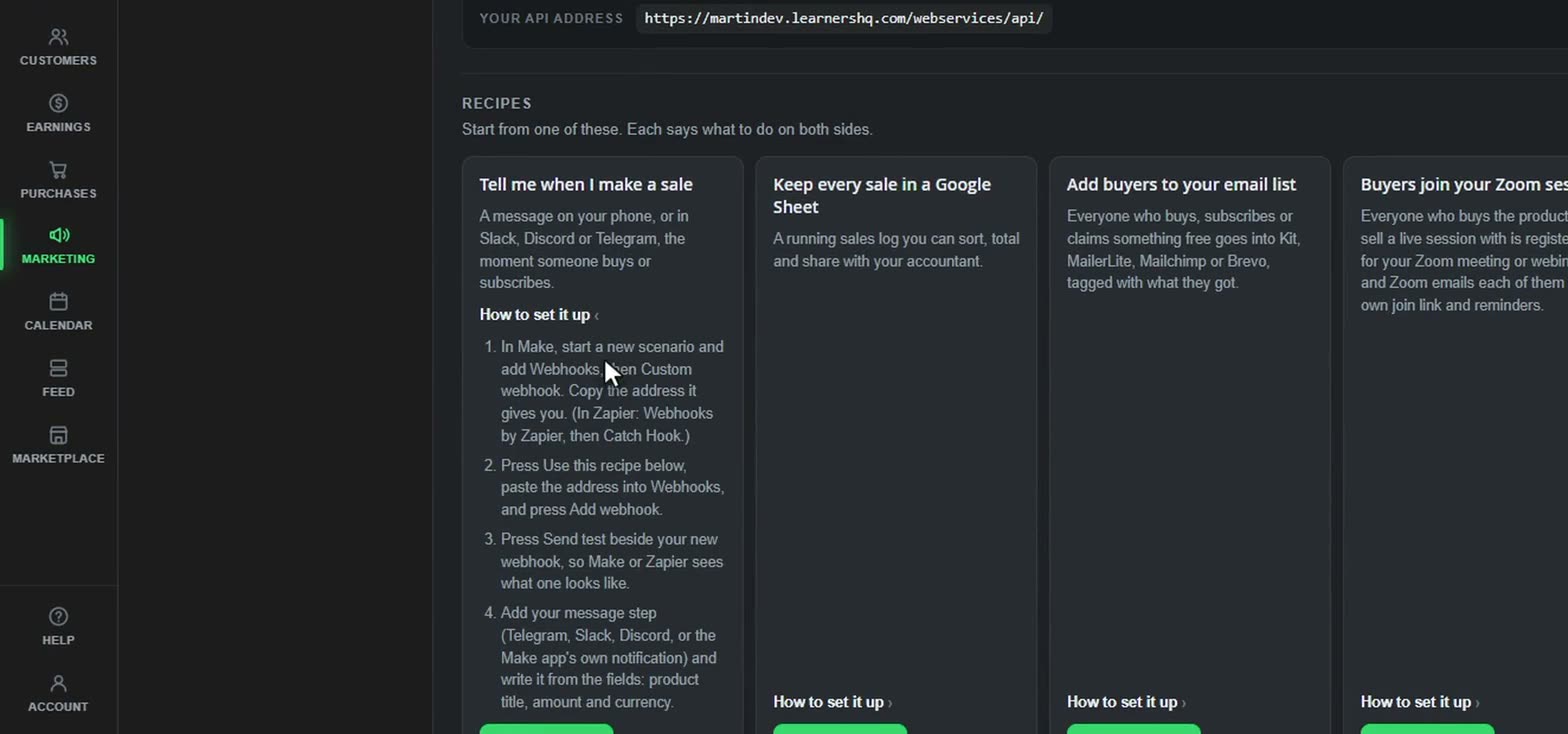
Use these to connect Make.com, Zapier or ManyChat. A key lets your automation ask us things; a webhook lets us tell it when something happens.
https://www.learnershq.com/webservices/api/Start from one of these. Each says what to do on both sides.
A message on your phone, or in Slack, Discord or Telegram, the moment someone buys or subscribes.
A running sales log you can sort, total and share with your accountant.
Everyone who buys, subscribes or claims something free goes into Kit, MailerLite, Mailchimp or Brevo, tagged with what they got.
Everyone who buys the product you sell a live session with is registered for your Zoom meeting or webinar, and Zoom emails each of them their own join link and reminders.
Everyone who buys a chosen product gets the invite to your private Discord server, Slack, WhatsApp or Telegram group, in a welcome email from you.
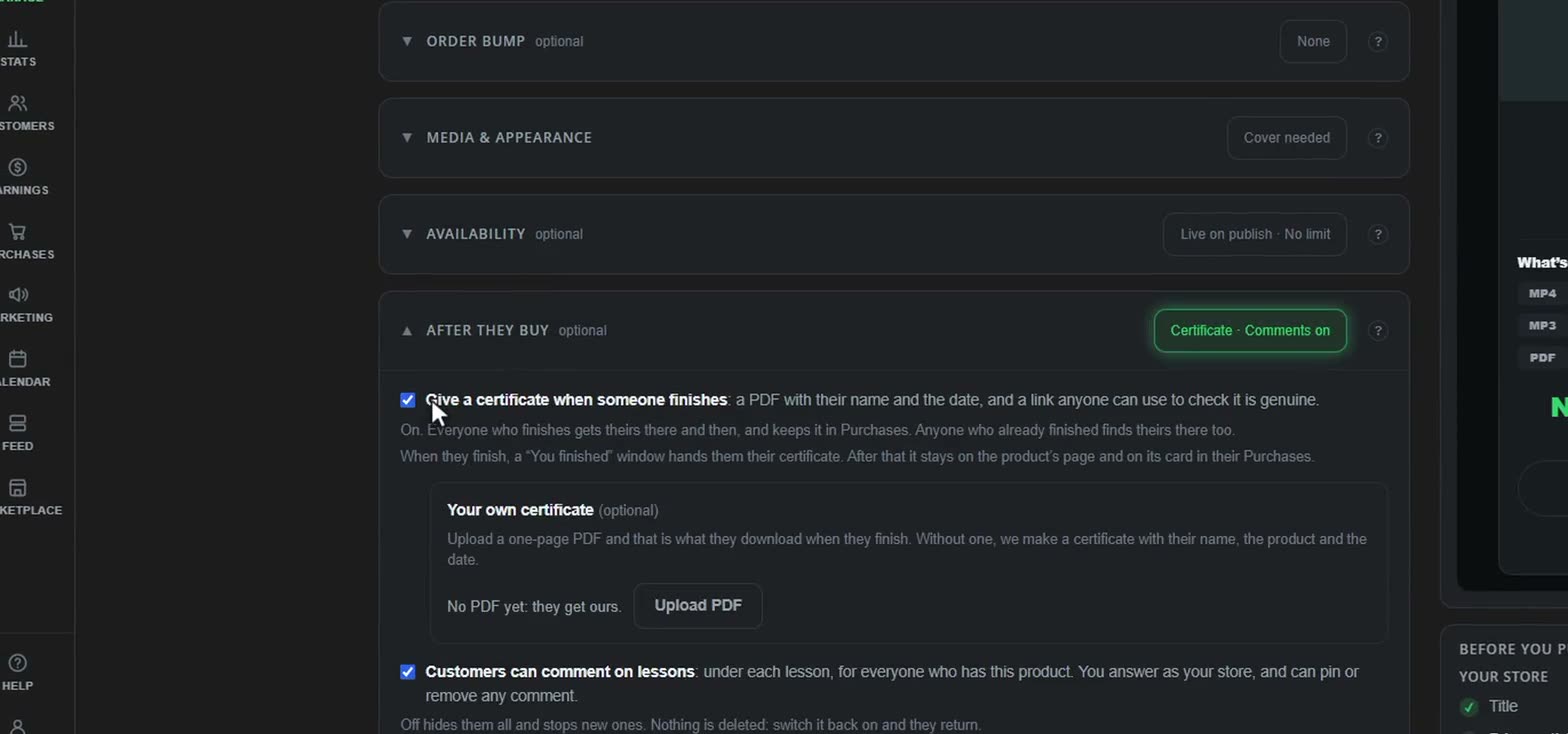
When a customer gets through a product, say well done and offer what to take next. (If certificates are on for it, theirs is already waiting on the product and in Purchases.) Checked once a day.
The moment a customer passes one of your quizzes: a well done, a tag in your email tool, or the next offer. Sent straight away.
When a customer hands in one of your assignments: a ping in Slack or Discord, or a line in your own spreadsheet to track what is waiting. Their work stays in Messages; this says who and which one.
Two weeks after someone buys, if they have not opened it since, a friendly nudge back in. Checked once a day, sent once.
When someone cancels a subscription, a personal note from you asking what could be better. They keep access until their paid time runs out, so there is still time to change their mind.
With ManyChat on Instagram or Facebook: someone comments a word like GUIDE, is asked for their email in a DM, and gets a link to one of your free products.
Your customers
From the first time someone sees your work to the tenth time they come back: what your customer gets, on the real screens. Go through it step by step.
Your landing pages, your store, a link in a post or an email: each one counts its visits, and every sale is traced back to the link it came from.
Made in Merlin and published in a click.
Everything you sell, and your posts, in one place.
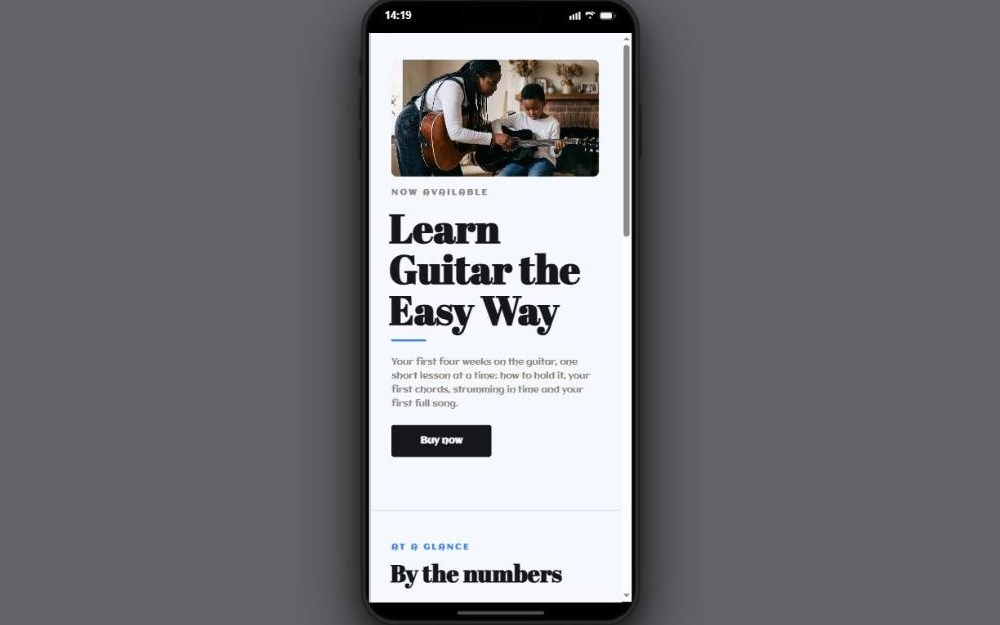
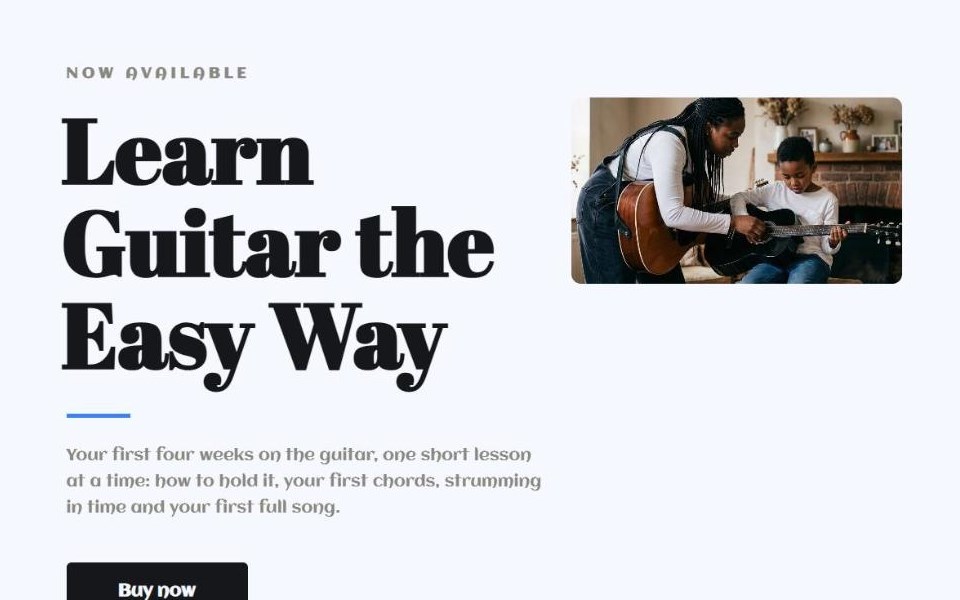
It's out! Four lessons, from your first chord to your first full song.
In a post, a newsletter or a message, with its own campaign link.
Where people can come across you without a link. Where it stands
A new customer gets a free LearnersHQ account under their email, made as they pay, to keep everything they buy. Someone who already has one gets a six-digit code by email instead. They pay in their own currency.
This is the real screen a customer lands on. Press Continue on a product to open it.
Carry on where you left off.
Posts from every store Sam follows or bought from, newest first: a backing track to play along with, a form check, an article, a photographer's kit. Sam reacts, saves one for later, or keeps to one store. Try the counts and the store list.
Posts from the stores you follow and buy from, newest first.
Something new in what they bought, your replies, a note from you, a launch they asked to hear about, a sale on something they saved: it reaches their bell, and their email if they want it. Each kind has its own switch in their account. Press one to open it.
| Bell | ||
|---|---|---|
| New lessons in something you have | – | |
| Someone replied to your comment | – | |
| A note from the creator | – | |
| Something you asked to hear about is out | ||
| Something you saved is on sale or cheaper | – | |
| Pick up where you left off | – | |
| A store replied to your message | – | |
| An email of anything unseen on your bell | – |
Switch one off and it stops, on the bell, by email or both.
The real watch page and the real inbox. Use them as Sam, then switch sides and answer as the creator.
Sam can ask for a refund from Purchases, saying why. It opens a case with its own number, and you answer it first, from Customers. You both see every step.
Every refund gets a credit note. Sales are paid in the first week of the month, at least 30 days after each one, and a sale with a refund request open waits until it's settled.
The marketplace
The LearnersHQ marketplace is opening, and the first creators are stocking its shelves now. People search it, save what they like and follow the stores they love, and hear when something they saved goes on sale. Be on it before the crowd: when the shoppers come, the products already there with good reviews are the ones they will buy.
The marketplace box is already ticked on every product. Add a picture and a short description, and it's on the shelf. No extra fee.
Once the shelves are full enough to browse, we start paying to send shoppers to them.
Fewer products means more eyes on each one, and time to earn reviews before the crowd arrives. The ones with good reviews are the ones shoppers buy.
Below is the real marketplace, with example shops in it. Search it, open the shelves, filter and sort it, save something.











For creators
Made a look worth reusing? Merlin packs your colours, gradients, type styles, looks, shapes, photo looks, patterns and brushes into one .lhq file, and a whole design, a landing page included, saves as one too. Sell it like any product, switch on For creators, and it goes on the marketplace's For creators shelf. Buyers open it in their own Merlin and add it to their tools.
On the marketplace's For creators shelf
Your work stays yours
Choose how much protection each product gets, right in the product editor. Try the choices: the video and the PDF change as you do.
No platform can stop a screen recording. These make a copy point back to whoever shared it.
Pricing
No monthly fee and no tiers. Every feature on this page, from your first day.
Start freeVAT is ours to deal with. We charge and pay it on your sales where we are registered, so you don't register for it yourself. Where it's charged on a sale, it comes off first, and the 8% is worked out on the rest.
Upload what you made, make it look like yours and start selling. It’s free until you sell.
Start freeWhere should we send it? No password needed.
One payment · access for life
We'll send your access to you@example.com.
Set a password so you can come back to it.
You can skip this: we've emailed you a link too.